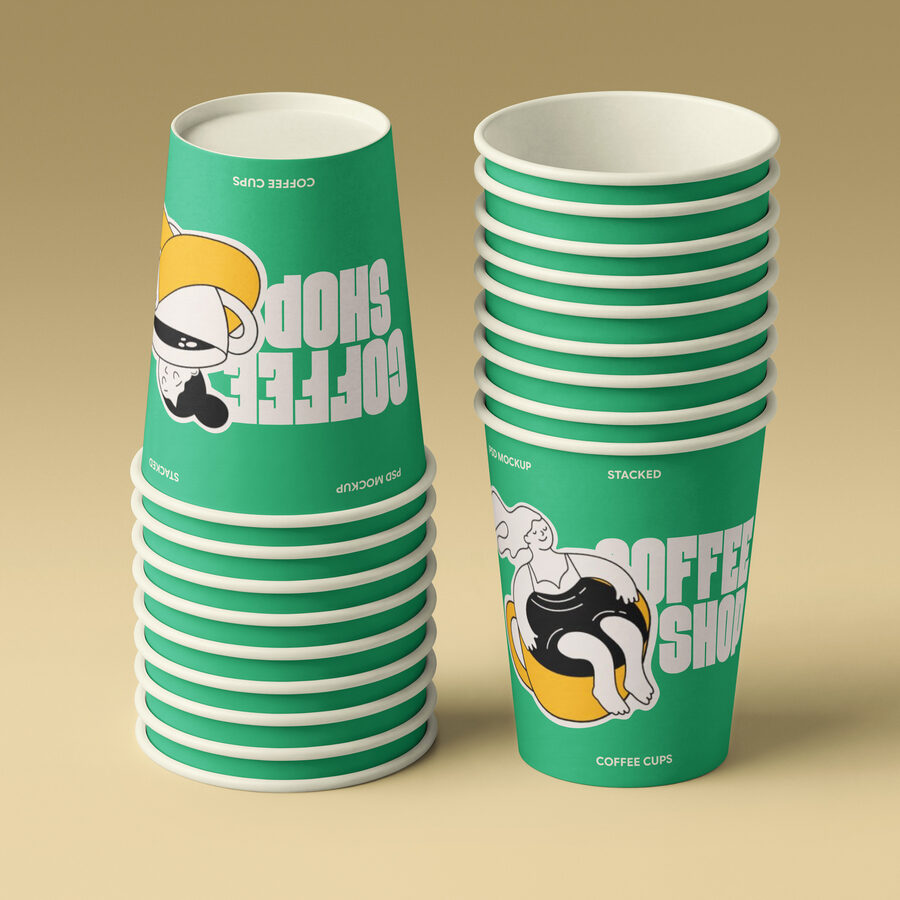
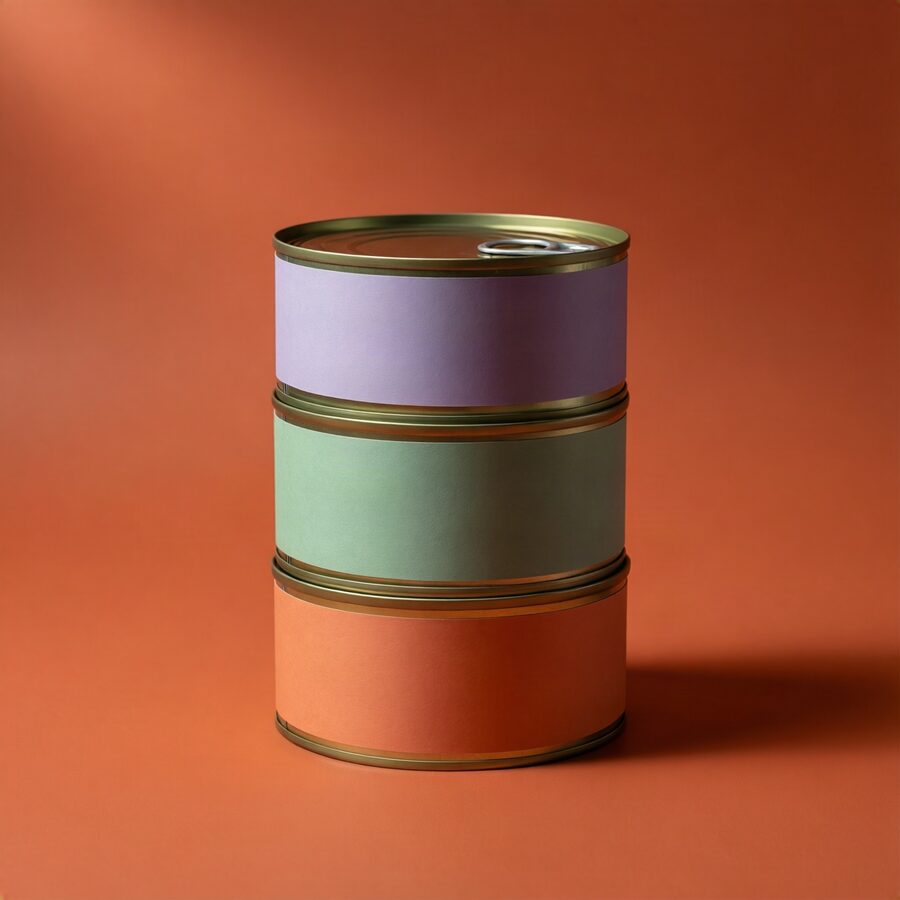
The Pixeden Style Model
We are teaching an open image model to shoot product mockups the way Pixeden shoots them.
01A borrowed model, taught our style
We are not building a model. We start from an open one that can already photograph almost anything, and teach it the single thing it does not know: what a Pixeden image looks like. It learns that from 30–60 images out of our own catalog and nothing else, and what comes out is a small file we own. With the file loaded, the model shoots the way we shoot. Without it, you get generic stock photos.
02The two candidates
We have two candidates, both Apache 2.0. (The larger FLUX models are not, including klein at 9B: the licence covers research but not selling the output, so they are out.) We decide between them with a ~$30 side-by-side test on our own prompts. The rest of the pipeline is identical either way, so a later switch means retraining once, without rebuilding anything around it.
| Qwen-Image-2512 | FLUX.2 klein 4B | |
|---|---|---|
| Strength | Proven quality, mature tooling | Apache 2.0 as well, and fits a 13 GB card |
| Catch | Different seeds often return near-identical images | 4B against 20B, and new to style training |
03Where it runs, and what it costs
There is nothing to buy. Training and generation rent by the hour, and we would only look at buying a machine if the volume outgrew renting.
A machine of our own, at the same volume, costs about 30× that.
04What the team puts in
- 01
The style guide has to be actual values. Palette as hex, contrast, grain: the creative lead sets each number. An adjective like “warm and minimal” gives the training nothing to work with.
- 02
30–60 catalog images, curated and rights-checked. One off-style image is enough to pull the batch off, so we would rather have a small clean set than a large loose one.
- 03
A short caption per image, human-checked. Whatever a caption names stays selectable afterwards; whatever it leaves out gets baked into the style permanently.
- 04
Review rounds, 4–7 of them. The case study we are working from needed seven.
These limits are enforced in the code rather than written down as policy: our own assets only, no real people, no third-party logos. The pilot shoots objects only; hand-held mockups are the planned second step.
05Making a request
Nobody has to write prompts. A request is five fields, three of them picked from a list:
- subject
- a stack of three folded t-shirts
- shot
- flat-lay top-down
flat-lay top-down·three-quarter view·eye-level close-up·hanging front-on
- surface
- white marble
light oak table·white marble·textured paper backdrop·linen fabric
- lighting
- soft window daylight
soft window daylight·directional morning light with soft shadows·low-angle light with pronounced shadow play
- props
- a blank hang tag
What comes back: a handful of candidates, an automatic check throws out the broken ones, you pick the best, and it arrives as one flat 6000 px image. You rebuild the layered PSD exactly as you do today; nothing changes on the Photoshop side. Two settings stay in your hands: the seed (note it down and the exact image can always be brought back) and the canvas shape (7 options). Everything else is deliberately locked so the style can’t drift.